I know ... you have the doubt that a dirty disk can dirty or even ruin your drive. E avete ragione! Ecco come pulire i floppy da 3.5".

Through this tool that RetroManiak gave me, we can control both sides of the magnetic disk: they must not have round stains. Those are moldy and can damage the drive.
If you find such stains, I would not use the floppy disk, unless there is extremely important data.

Poi puliamo entrambi i lati del dischetto magnetico tramite un morbido panno in microfibra. Mi raccomando, delicatamente! Si può utilizzare anche un panno in cotone. L'importante è agire delicatamente! Bisogna soltanto spolverare entrambi i lati del dischetto magnetico, senza sfregare troppo. Ecco come pulire i floppy da 3.5"!

You can now insert the floppy disk into your computer, without fear that dirt will ruin the drive.

La stessa procedura vale per i dischetti da 5.25", ma esiste un attrezzo diverso.
Related articles:
Dallas DS 1287 Modification: External Battery

Damaged Commodore SX-64
The world of MSX computers

DiagROM e membrana della tastiera dell'Amiga 500

AStISI, collezione HP e DEC. Preservare la Storia dell'Informatica.

TapeCart SD for Commodore 64

Disassembling and cleaning the IBM 8513 monitor

The return of the Commodore SX-64
Sticky Plastic: How to Clean and Remove Deteriorated Rubber Coating

New goals! #ValorosoIT

IBM Model M keyboard: disassembly and cleaning

Artificial Intelligence in Video Games
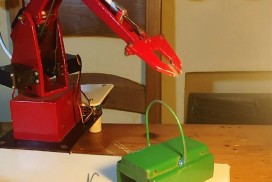
Mechanical arm controlled by the C64

Commodore PC10 RAM expansion

MIDI music with Atari Mega ST
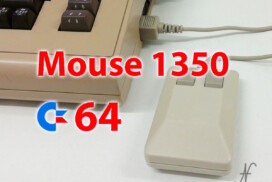
Commodore 1350 Mouse for Commodore 64

Thank you!