Here is the second video related to the Commodore 64 and home automation. The topic is the load control: the function of the home automation system you need for measure the consumption of the home.

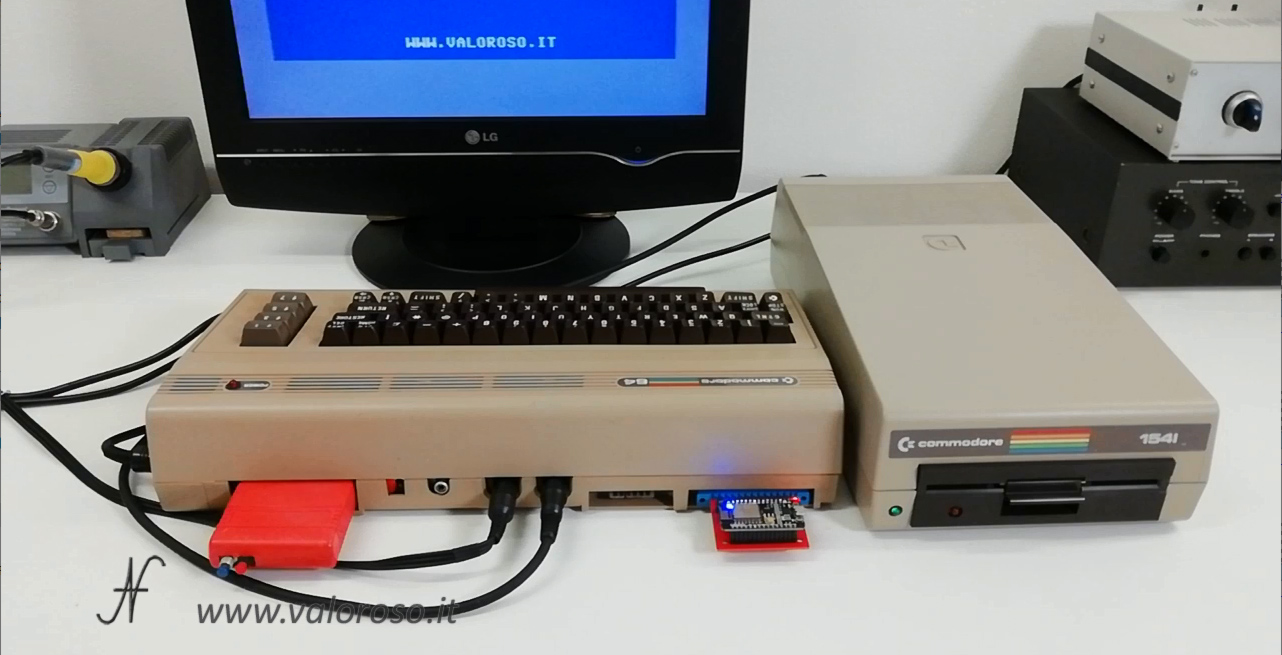
I had already shown, in the first video relating to home automation, how I connect to the system Control Casa. Apart from the Commodore 64, the components I used to carry out this experiment are:
- the WiFi modem, connected to the user port of the computer;
- the floppy disk drive 1541 to load the software to connect to the home automation system;
- the CCGMS software that we need to connect to the network and which, improperly, we can define as an "Internet Explorer", which can be downloaded freely from the internet;
- finally, the Datel Action Replay, with FastLoad, which I need to load the software faster.
The steps to connect to the home automation system have been described in previous article.
From main screen of the home automation system Control Casa, you can see the list of components that make up the home automation system. An address is associated with each module. Each module also has a description, which is used to identify the function of the module itself. From the main screen, it is also possible to see the status of the module, therefore: the active outputs, if there is a door or window open, the temperature and brightness of the room and other information.
Using the Commodore 64's RETURN button, you can navigate through the various pages listing the modules.
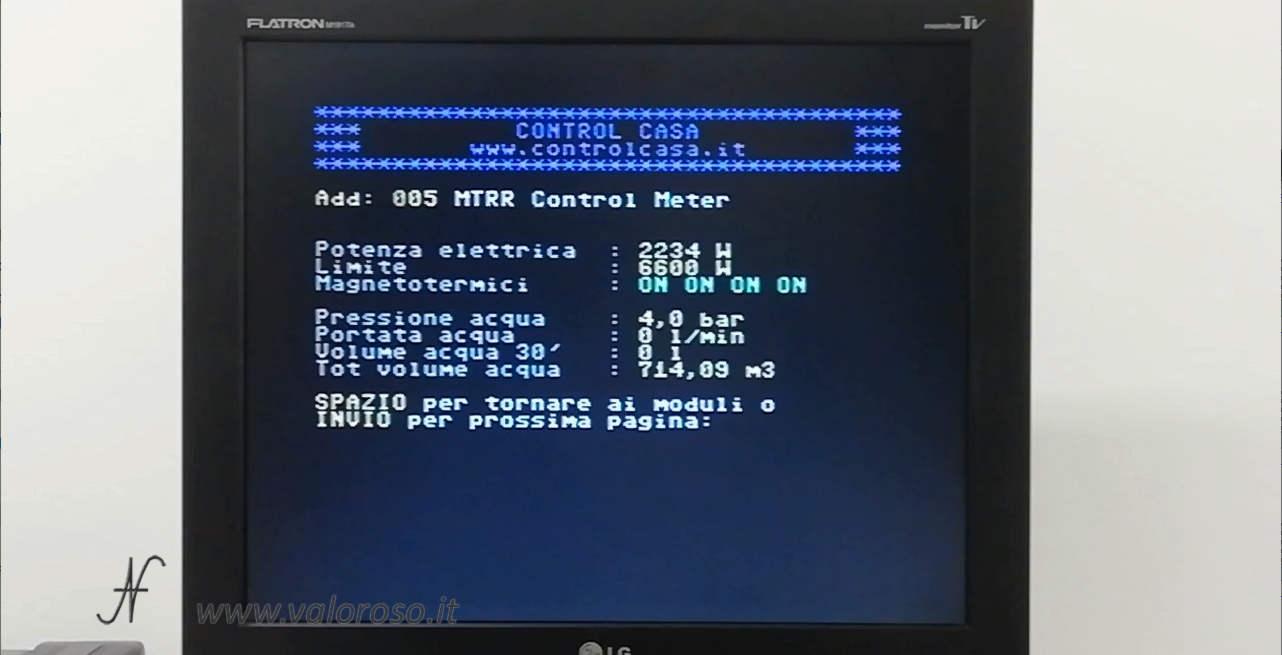
To enter the load control module, il Control Meter, you must enter the address 5.
The page that opens contains instant measurements of electricity and water consumption.
Electricity measurement with the Commodore 64
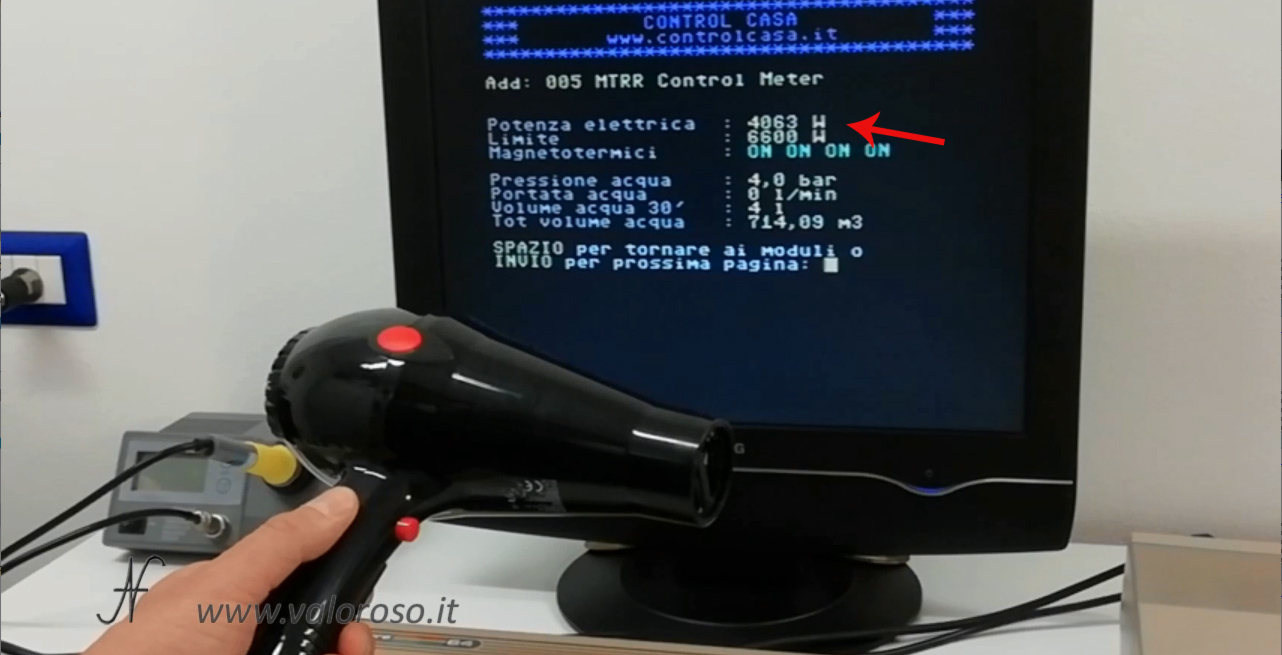
As for theelectric energy, it is possible to see the current consumption and the maximum limit, beyond which the meter could come off. Should the limit be exceeded, the home automation system would disconnect some loads, in sequence, before the power fails.
In the video, the test was carried out with a hairdryer.

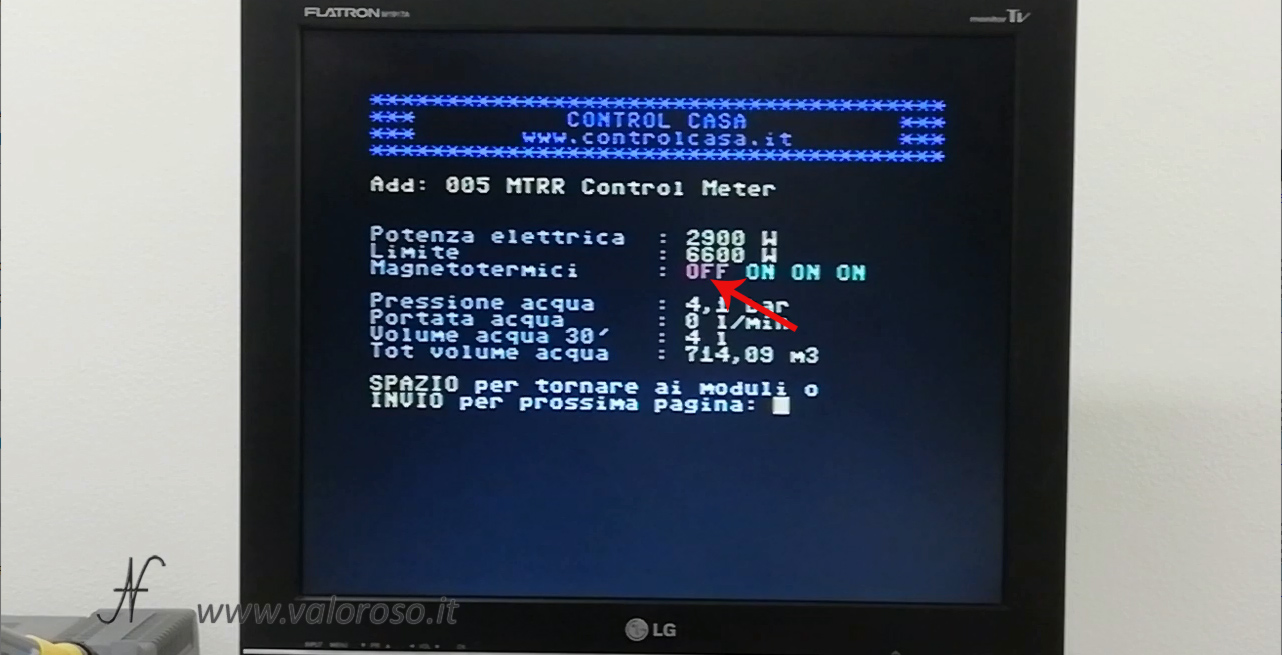
Through the line "Magnetothermic", you can see the status of magnetothermic and differential switches of the plant. They are divided into groups. When a circuit breaker trips, the Commodore 64 shows the word OFF in red, relating to the group where there is no longer mains voltage.
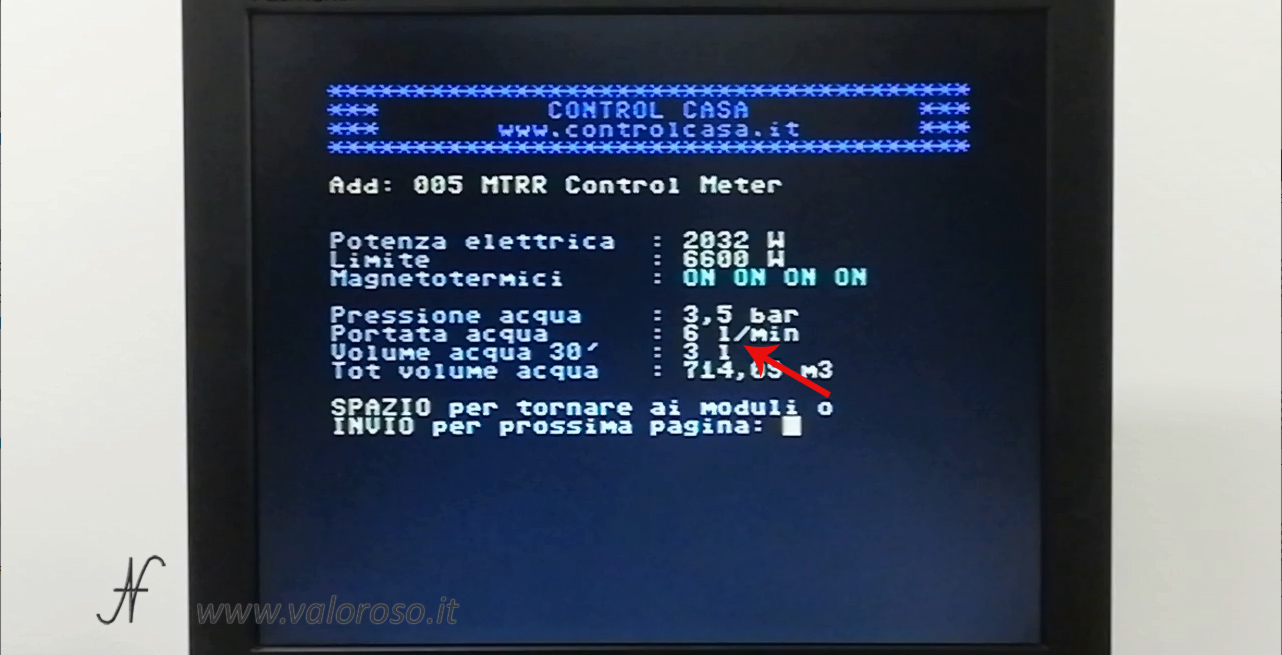
Commodore 64 and home automation: measurement of water consumption
Relatively to Water consumption, you can see the pressure, the scope snapshot and also the quantity of water that you are using, in a period of 30 minutes and also in total.
In addition to the various water consumptions, the home automation system can send alarm messages if the pressure is below a set limit, or if there are water leaks. In fact it can detect if there are abnormal consumptions.
For those who missed it, here is the link of the first video of home automation with the Commodore 64. Controlling your home with the Commodore 64 is a lot of fun: it's like playing a great video game that surrounds you completely!
Related articles:
Modern accessories and games for Commodore, with Vincenzo Bono
Connect Commodore 1541 floppy disk drive to Windows 10 PC: OpenCBM, CBMXfer, XUM1541

Easy Script, video writing for Commodore 64
Mechanical arm controlled by the C64
PSU Load Tester Commodore 64
Commodore 64 WiFi Modem, Review
🎄✨ Merry Christmas and Happy Holidays! ✨🎄

Videocourse on Basic Language, DIM arrays, #4

Commodore 64 RAM test with Kung Fu Flash
Commodore VIC-20 restoration
Commodore 16 repair

Coffee machine controlled by the Commodore 64

Connecting a Commodore MPS803 dot matrix printer to a Windows PC in 2021?
1541 Diagnostic Cartridge by Jani - Video

Connect two monitors to the Commodore 128: we use the RGBI output

Reel recorder connected to the Commodore 64
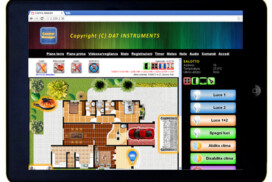
Home Automation: Control Casa and Control Manager